• Leading coffee brands
  • Highest quality coffee
  • Perfect fit solutions

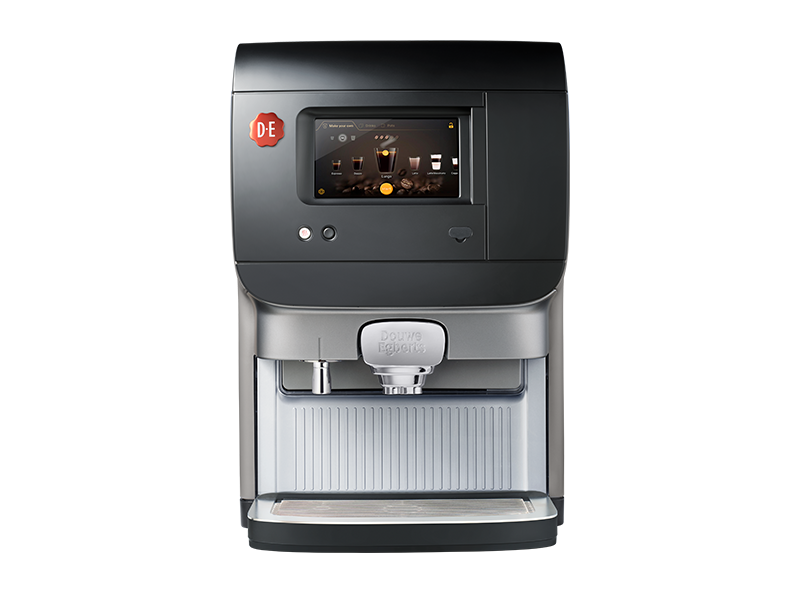
Cafitesse Excellence Compact Touch

The cooling temperature is too high

30

Error code 30 indicates that there is a problem with the cooling temperature. The ambient temperature may be too high (30°C or higher), preventing the cooling temperature from dropping below 3°C. You can solve this in 6 steps.

This takes about 5 minutes to resolve.

Items needed

  • Sink
  • Water/tap
altText

Continue on mobile?

Scan the QR code

1
7

Check the door
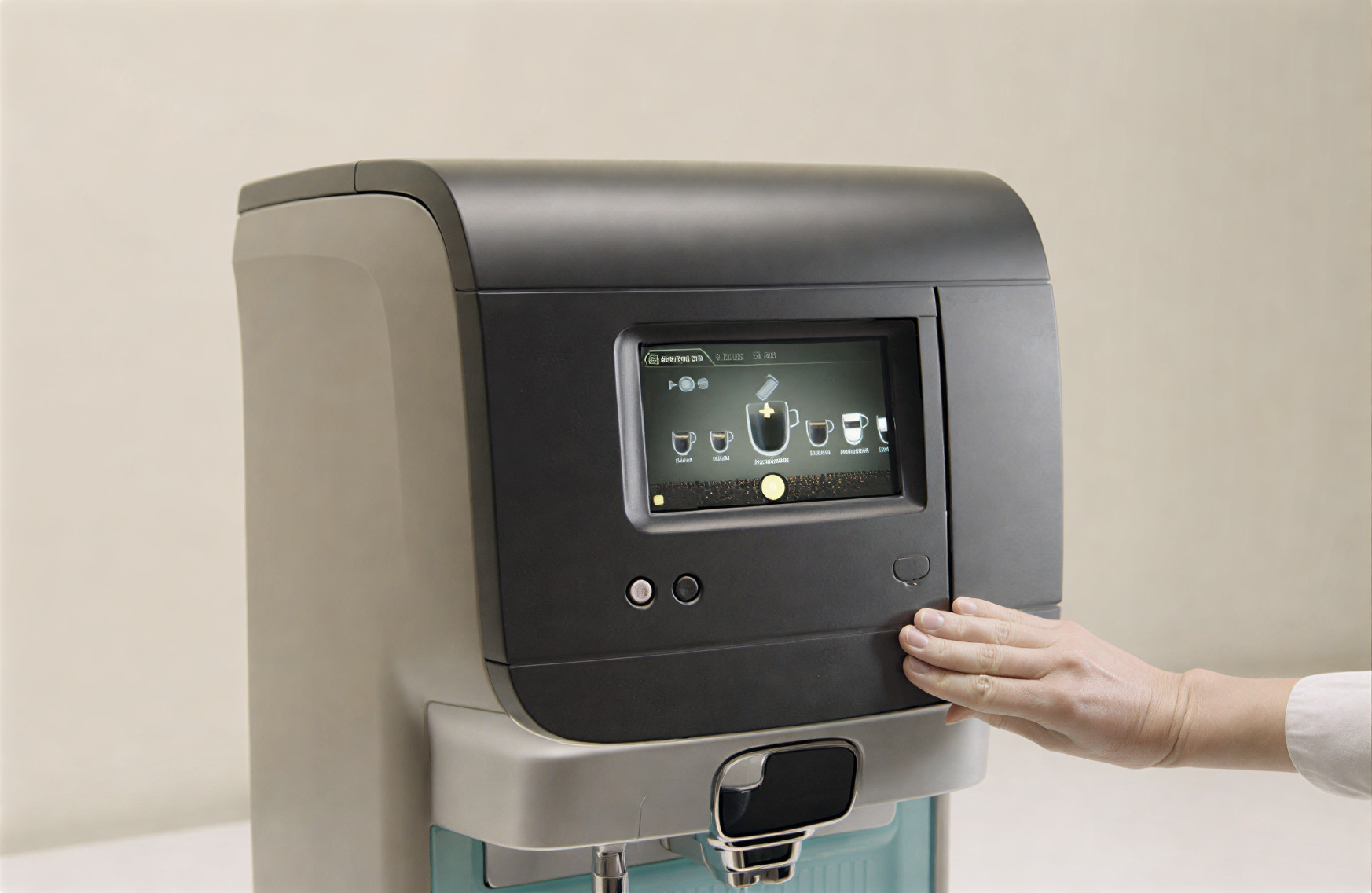
Check whether the door of your machine is fully closed.
Image
Image Instruction
Click to view

Remove the filter
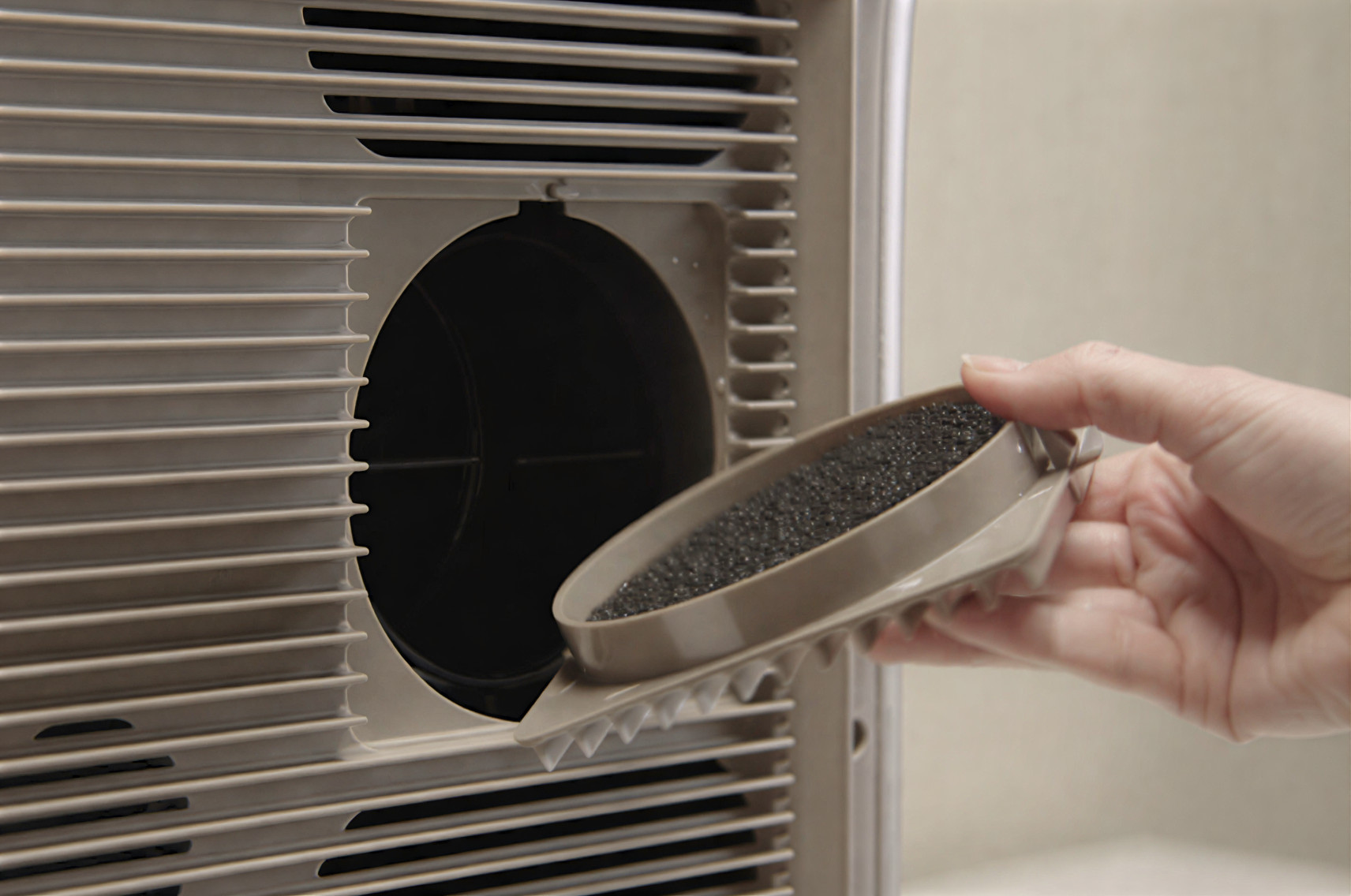
Open the removable cooling filter at the back.
Image
Image Instruction
Click to view

Clean the filter
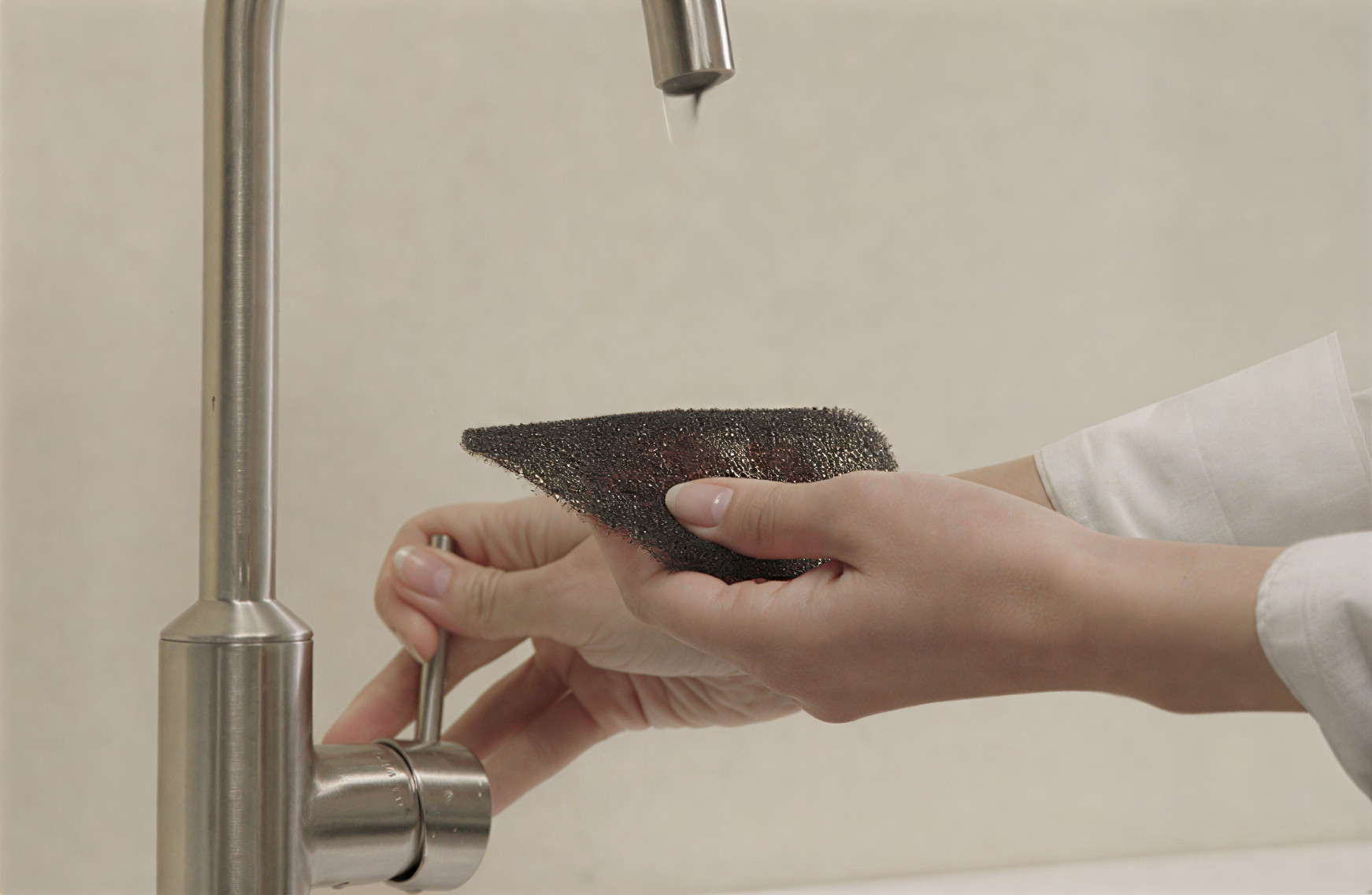
Clean the filter under running water, and dry it thoroughly before reinstalling it
Image
Image Instruction
Click to view

Ensure sufficient space
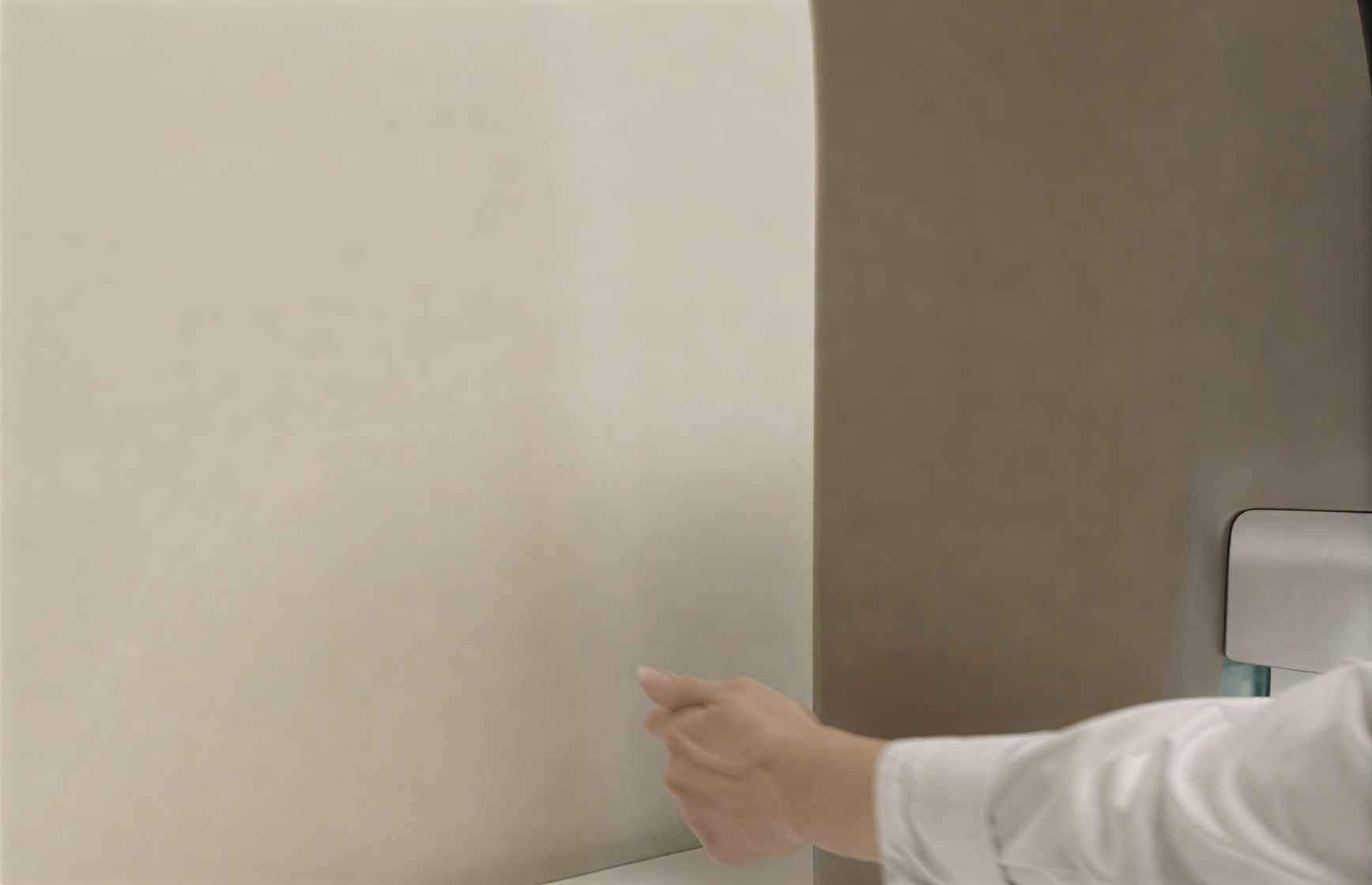
Make sure there is enough free space behind the machine. There should be at least 5 cm or 2 inches.
Image
Image Instruction
Click to view

Wait until the new ingredients have reached the correct temperature.
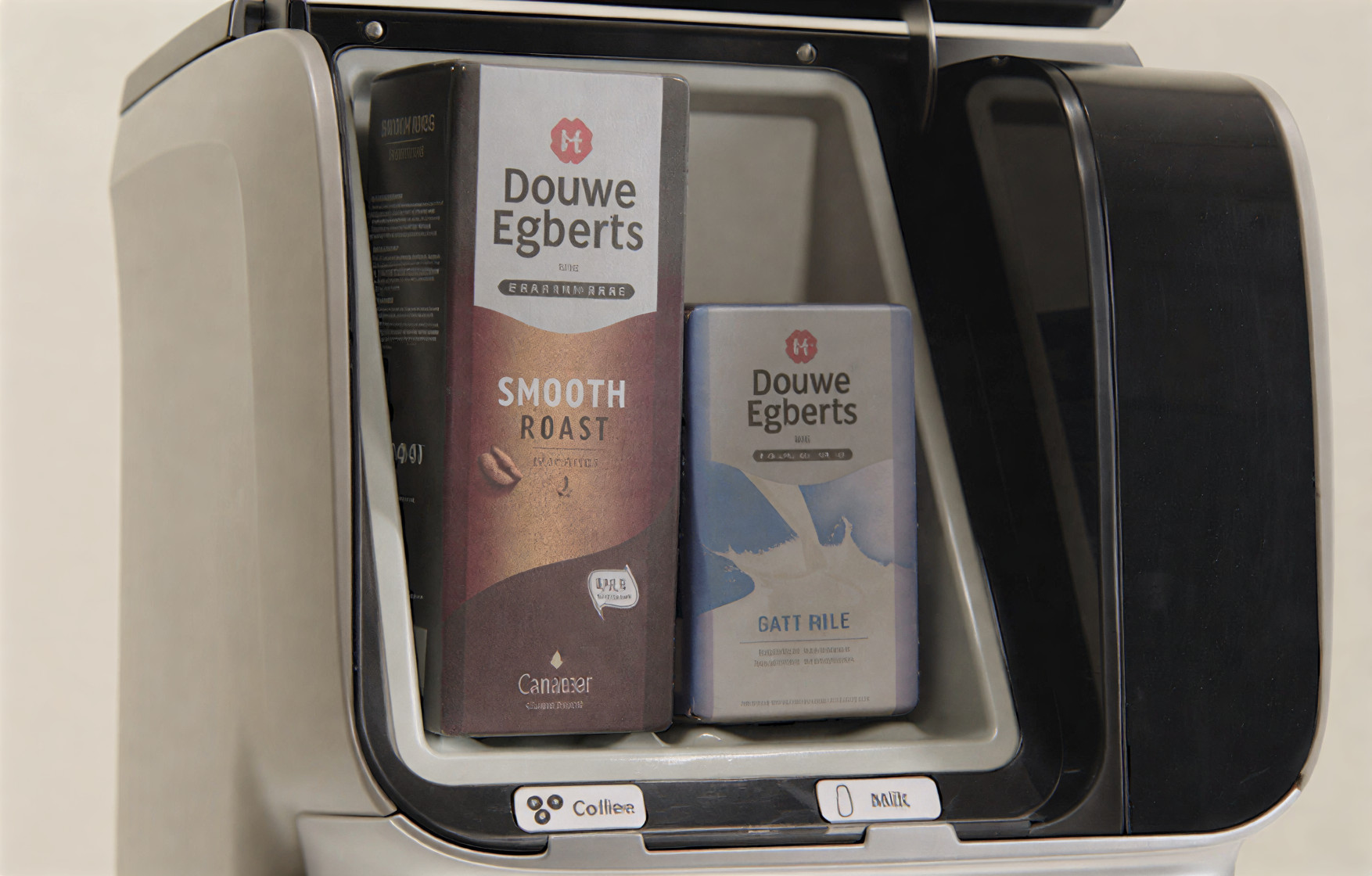
If new, non‑cooled packages were recently placed, wait until the packages have reached the correct temperature.
Image
Image Instruction
Click to view

Reset the device
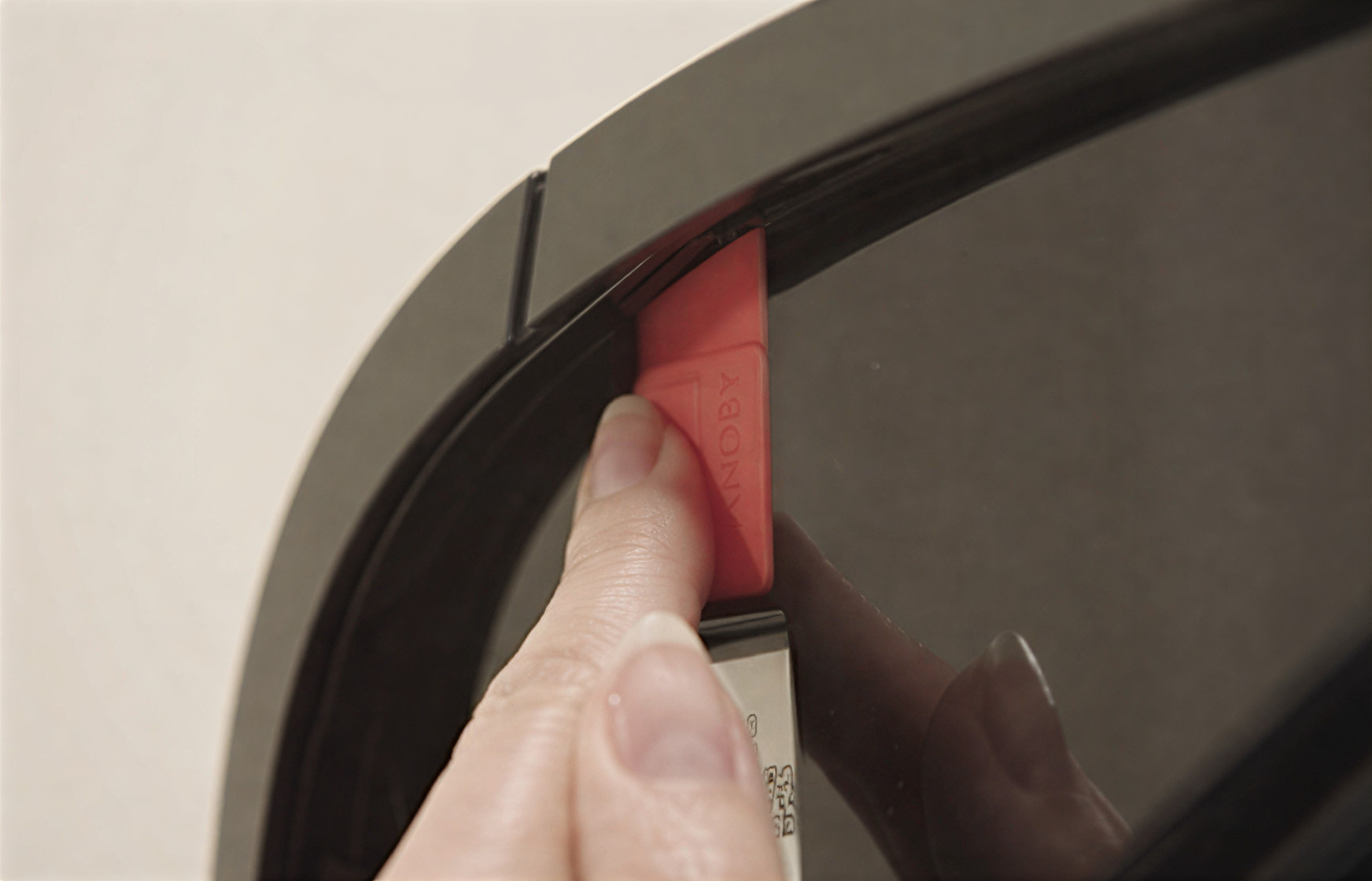
Reset the machine.Open the door and press the ‘standby’ button for 5 seconds. This will reset the machine. Then close the door
Image
Image Instruction
Click to view

Done

You have now reset the cooling temperature. You can once again enjoy delicious coffee!Tip! To avoid error 30, you should clean the ventilation grille and the filter every month.
Image